The Ultimate Guide to Automated, Hyper-Targeted Outreach Using Clay and RSS Feeds

Why Real-Time News Tracking Wins More Sales Conversations
Personalization and timing decide most sales conversations now, and generic cold outreach rarely earns a reply. The teams that win reach prospects at the moment they are most receptive: right as they announce funding, expand into a new market, or invest in new technology. That is where Clay and RSS feeds do the heavy lifting.
When you automate news tracking and trigger personalized outreach off it, three things change:
- You stop guessing. You know which companies are actively looking for solutions like yours.
- Reply rates climb. You reach out with context that matters to them, not just to you.
- Personalization scales. The research runs automatically while every message stays relevant.
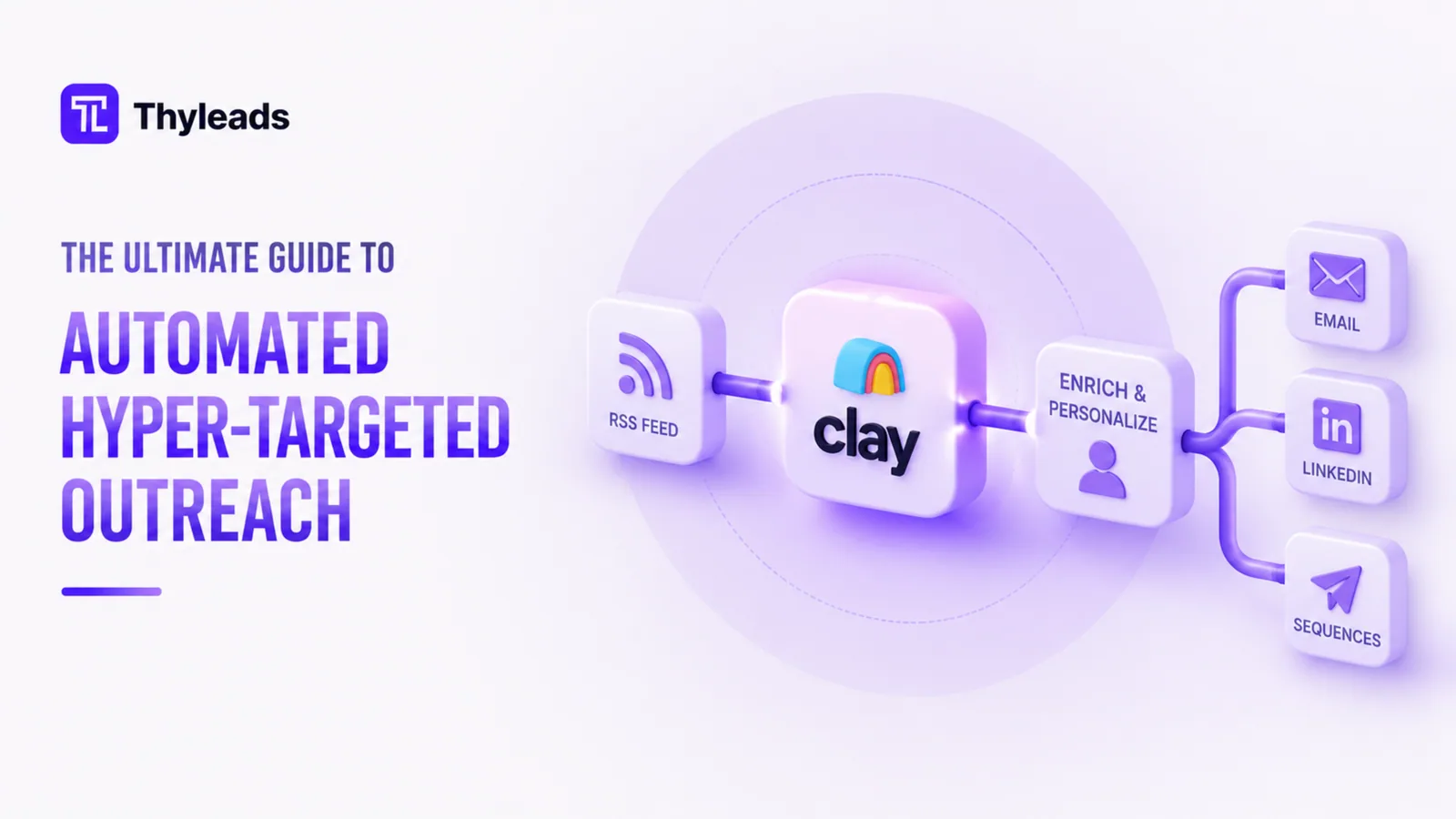
This guide walks through the full setup so you can turn breaking industry news into a prospecting signal you act on first. Here is the path we will follow:
- 1Curate high-impact RSS feeds for your industry
- 2Pipe those feeds into Clay for automated tracking
- 3Filter alerts with smart keyword rules
- 4Auto-tag and score leads based on news triggers
- 5Launch outreach that scales without losing the personal touch
Curate High-Impact RSS Feeds for Your Industry
Why RSS feeds
An RSS feed is your 24/7 news radar. It pulls real-time updates from industry publications, company blogs, and news sites, so you are not manually checking a dozen sites for updates.
How to choose the right feeds
Focus on three kinds of sources:
- Industry news hubs (for example, Retail Dive for retail, Healthcare IT News for health tech)
- Competitor and customer blogs (track announcements from the companies you want to sell to)
- Niche publications (for example, The Information for tech, Chain Store Age for retail expansions)
Pro tip: pull everything into one dashboard with Feedly or Inoreader before you pipe it into Clay. It keeps the next step clean.
Integrate RSS Feeds into Clay for Automated Tracking
How Clay sharpens your prospecting
Clay does not just pull news. It structures it, filters it, and turns it into something your sales team can act on.
Here is how to set it up:
- Connect your RSS feeds (Clay supports direct integrations, or Zapier if you need it).
- Turn on automatic ingestion so Clay keeps scanning for new updates.
- Map the incoming data to company profiles in your CRM or prospecting list.
So if TechCrunch publishes 'Retailer X Raises $50M for Omnichannel Expansion', Clay will:
- Detect the article
- Extract the company name
- Match it to your CRM
- Flag it as a high-priority lead
Laser-Focus Your Alerts with Smart Keyword Filters
Why keywords matter
Not every update deserves a reply. You want to filter for signals that point to buying intent, not noise.
Best practices for keyword setup
- Funding and hiring signals: phrases like Secures $[X]M in funding or Hires new VP of [relevant department]
- Product and expansion triggers: Launches new eCommerce platform or Expands into [market]
- Pain-point keywords: Struggles with [problem you solve] or Seeks [solution category]
Pro tip: use Boolean search (for example, 'retail' AND 'cloud migration') to cut out false positives.
Auto-Tag and Score Leads Based on News Triggers
Turning news into a priority list
Clay can auto-tag companies by the type of news they made, so your team knows at a glance how to prioritize each one.
A few example tags:
- Funding round, high priority
- Expanding e-commerce, mid funnel
- Tech stack overhaul, immediate follow-up
Bonus: sync these tags to your CRM (HubSpot, Salesforce) so they trigger automated workflows on their own.
Launch Scalable, Yet Highly Personalized Outreach
The outreach formula that works
The move is simple: reference the news, then tie it back to your solution without sounding like a script.
An email or LinkedIn template you can adapt:
Hi [First Name], congrats on [specific news, for example the $20M Series B]. With [Company] focused on [initiative from the article], I thought this might help: [brief case study or solution fit].
Would it make sense to explore how [Your Product] helped [similar company] reach [result]?
A few advanced tactics:
- Dynamic merge fields (Clay can auto-insert the latest news into your templates).
- Multi-touch sequences (for example, a LinkedIn follow-up three days after the email).
- For major news, a higher-touch handwritten note to the CEO or executive.
Real-World Results: How Teams Are Winning with This Strategy
- A SaaS company used Clay plus RSS to triple reply rates by reaching out within 24 hours of funding announcements.
- A marketing agency automated lead scoring off news triggers and cut prospecting time by 50%.
Next Steps: Build Your Own News-Driven Prospecting
You do not need to wire up everything at once. Start with a small, focused setup and tighten it as you learn:
- Start small. Pick 5 to 10 RSS feeds in your niche.
- Test keywords. Refine your filters over two to three weeks.
- Measure and optimize. Track open and reply rates to see which triggers convert.
Ready to try it? Sign up for Clay or book a demo and start automating your outreach today.